Screenshots
Screenshots
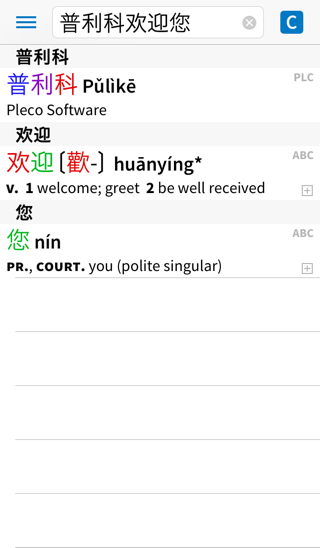 A character search, in this case breaking down a long phrase for which no single entry exists. You can enter characters using handwriting recognition or a built-in radical table.
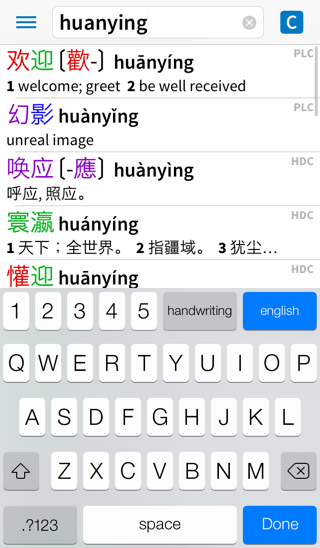 A Pinyin search. You can enter Pinyin with or without tones.
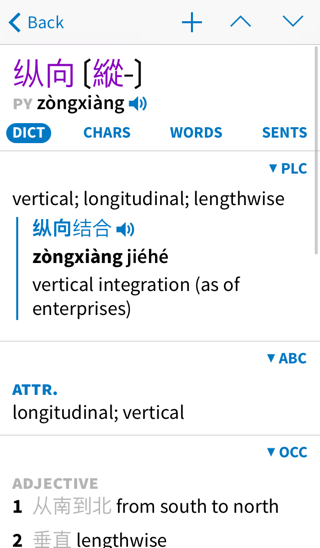 A dictionary definition screen – results from multiple dictionaries are displayed inline.
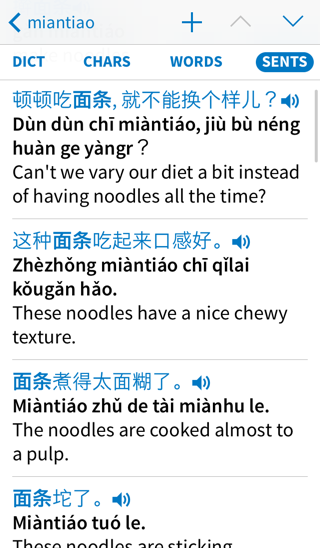 Our cross-dictionary example sentence search feature.
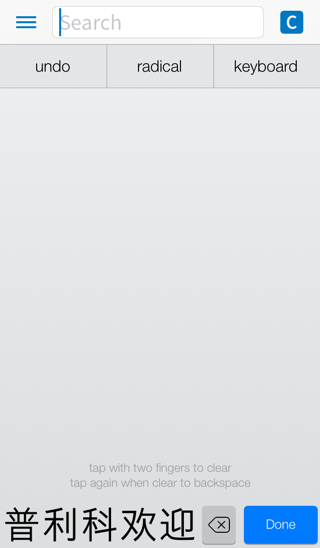 Handwriting input – just draw the character you’re looking for in our silky-smooth fullscreen interface and Pleco will recognize it. Our recognition engine supports cursive writing and even tolerates some mistakes in stroke order, plus it suports an extremely-handy little multitouch gesture to clear the screen when you’re done drawing.
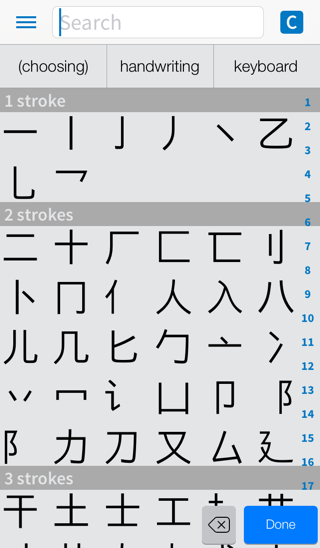 Along with handwriting input, Pleco also includes a built-in radical table like you’d find in a printed dictionary.
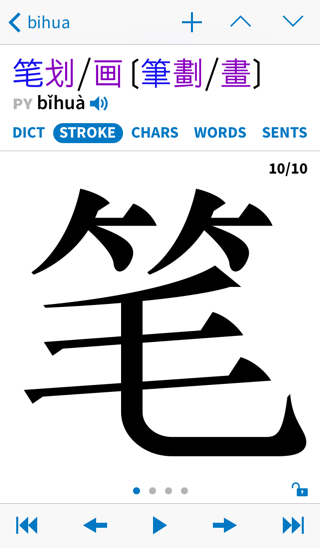 Stroke order diagrams; simply tap on any character in a dictionary entry to bring up its stroke order.
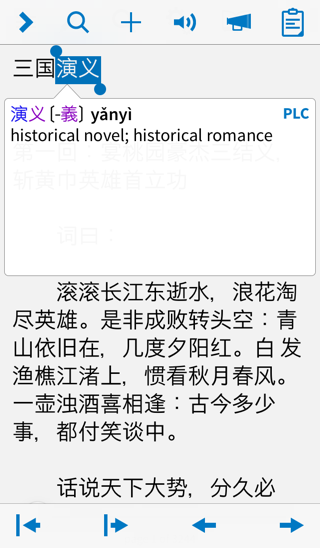 There’s also a built-in document reader; you can use this to read through a Chinese-language document file and look up unknown words simply by tapping on them.
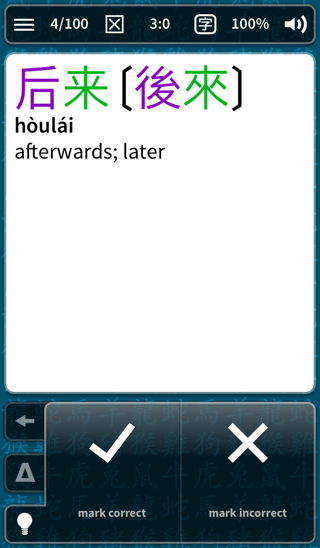 And a built-in flashcard system, supporting a wide variety of test types like self-graded,
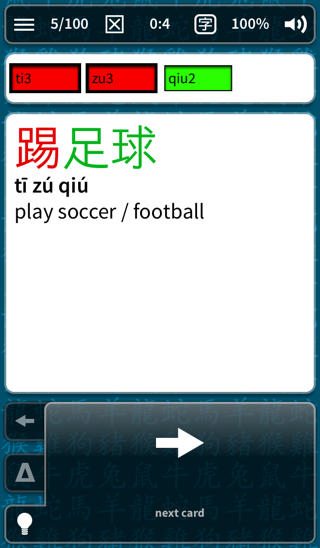 fill-in-the-blanks,
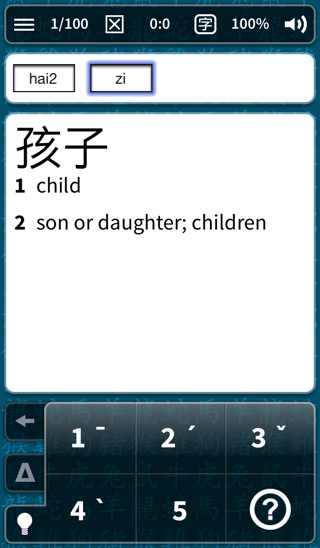 tone practice,
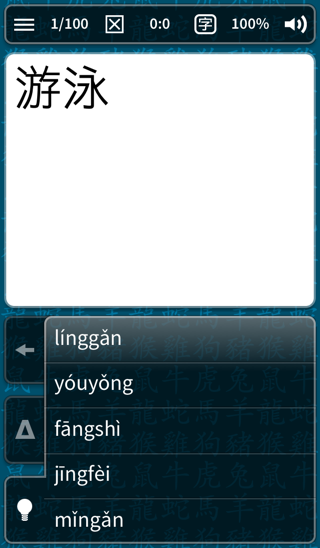 and multiple-choice,
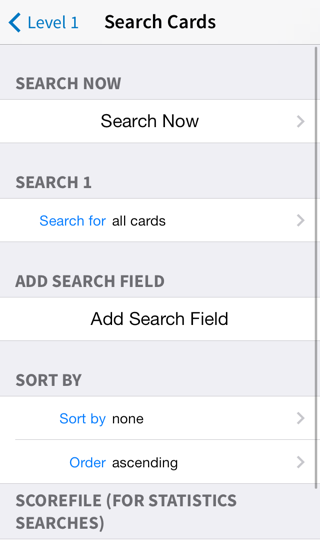 with a comprehensive set of tools for organizing your cards too.